Fish for Secret Animals Controls and UI Map
Find every button that matters—from Settings codes to cast, reel, shops, and the animal pen.
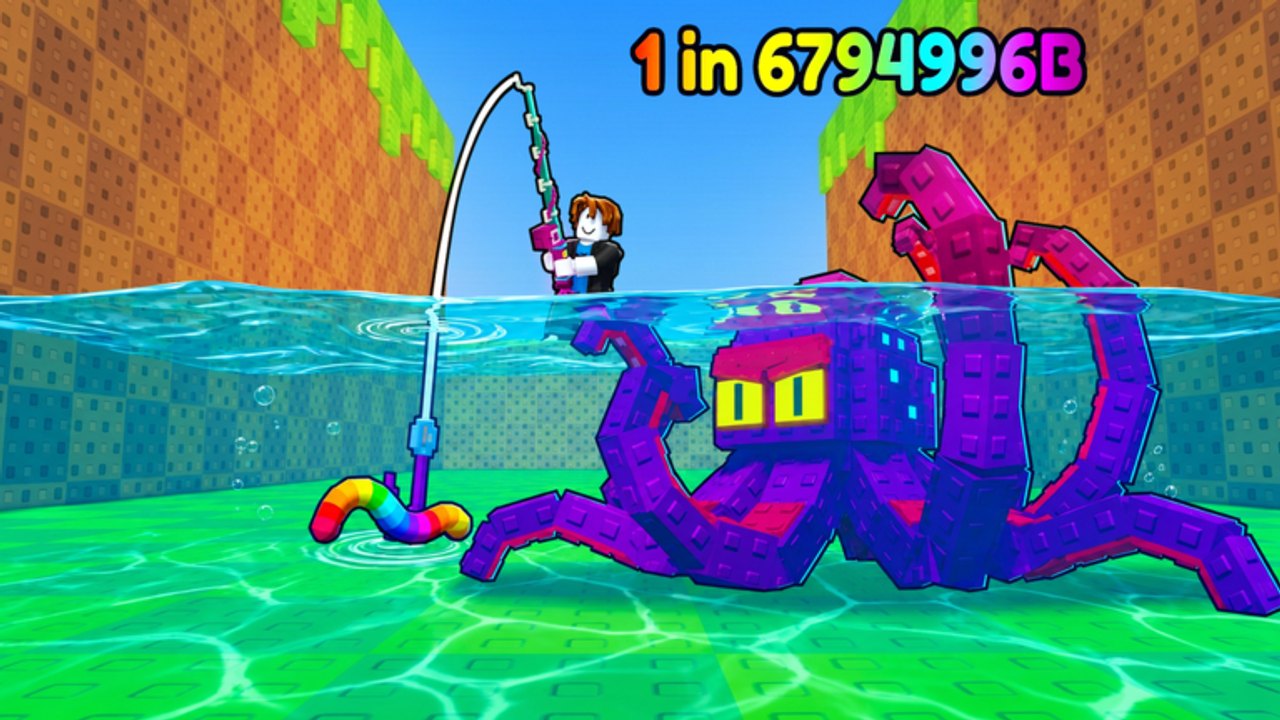
Fish for Secret Animals packs a lot of HUD into a cozy 5-player Roblox lobby. Chill Shark’s fishing and collection sim (released 2 November 2026, formerly Catch Rare Fish) expects you to cast, reel, finish pull-ups, sell, shop, redeem codes, claim gifts, and manage bait without losing the fish on your line. This controls guide is the UI map: where each panel lives, how PC and mobile inputs feel, and which screens to open before a serious hunt.
If you are brand new, pair this page with Getting Started. If you only need the redeem path, jump to How to Redeem Codes.
Top-right Settings and the Enter code box
The Settings control sits in the top-right cluster of the main HUD. Open it when the world has finished loading and no shop or pen panel is covering the corner.
Inside Settings you will find Enter code. That field is how you redeem promo strings such as FISHFORANIMALS for 3 Rainbow Worms + 1 Jackpot Bait (active as of November 2026). Codes are case-sensitive—paste carefully, then confirm the bait bag updated. Full troubleshooting lives on the redeem guide linked above; this page only needs you to remember: top-right → Settings → Enter code → Redeem.
Close Settings before you cast. Leaving menus open is a common reason mobile players miss the timing window.
Casting, reeling, and pull-ups (PC)
On desktop or laptop Roblox:
- Equip your rod from the hotbar / tool slot once it is owned.
- Aim toward open water—avoid clipping piers or other players when the dock is busy.
- Use the cast input (click / bound action) to start the throw.
- When the timing minigame appears, confirm in the Perfect zone. Details and drills: Perfect Cast.
- After a bite, follow reel / catch prompts and complete pull-ups if the fish fights.
A mouse usually beats a trackpad for Perfect timing. If inputs feel late, lower graphics, close background apps, and keep a stable FPS so the confirm click matches what you see.
Casting, reeling, and pull-ups (mobile)
Mobile players fight smaller tap targets and thumb occlusion:
- Prefer landscape so the top-right Settings cluster and cast controls are not stacked on top of each other.
- Tap cast, then watch the timing bar with your thumb already hovering near the confirm control—do not hunt for the button mid-window.
- During pull-ups, use short deliberate taps rather than mashing; mash inputs desync on laggy servers.
- If the HUD feels cramped, close chat and any leftover shop UI before the cast.
Rainbow Worms still guarantee Perfect Cast and +100 Luck, but they do not auto-win pull-ups. Mobile hunters should practice the fight rhythm on cheap bait before spending code rewards.
Bait and rod shops
Locate the bait shop and rod shop early so you are not pathing across the map with a legendary on the line. Typical flow:
- Sell junk catches for coins.
- Open the rod shop when cast feel or fight power is the bottleneck—see Rods and Gear.
- Open the bait shop for bulk practice bait; keep Rainbow Worms and Jackpot Bait reserved for planned sessions (Bait Tier List).
Shop panels can cover Settings. Always close them before redeeming codes or starting a Perfect attempt.
Animal pen UI
The animal pen is your collection and progression sink for kept creatures. Open it to:
- Review what you have stored versus sold
- Purchase pen upgrades when inventory friction or passive value justifies the cost
- Plan which trophies to keep after a secret hunt
Do not max the pen on day one at the expense of Luck. Luck remains the primary secret-animal stat; pen upgrades are a parallel track once the sell loop is healthy. Economy ordering is covered in depth on Sell and Upgrade Loop once that guide is in your reading list—until then, buy pen tiers after a Luck breakpoint, not instead of one.
Daily gifts and freebies
Claim daily gifts / rewards at the start of a session. Free bait or coins compound with code rewards. Gifts are not a substitute for FISHFORANIMALS, but they keep economy blocks moving when you are grinding Perfect Casts on normal bait.
If a gift button fails to respond, rejoin the experience and try again before assuming the reward is gone.
Inventory and bait switching
Before every serious cast:
- Open inventory / bait selection.
- Confirm the intended bait is equipped, not merely owned.
- Double-check you did not leave starter bait active after a shop visit.
- After redeeming codes, verify Rainbow Worms and Jackpot Bait appear under bait—not buried under a full stack of commons.
Mis-equipped bait is the silent run-killer. Hunters lose more premium casts to wrong loadouts than to bad RNG.
Session UI checklist
Use this order every login:
- Claim daily gifts.
- Settings → redeem any new codes.
- Sell clutter; note coin total.
- Buy the next Luck / rod / bait stock decision.
- Peek animal pen only if storage or upgrade value is the bottleneck.
- Equip the correct bait.
- Move to water; clear overlapping menus.
- Cast with full focus; finish pull-ups.
Servers hold up to five players. Shared docks get noisy—mute chat from the Roblox menu if Perfect timing suffers. Etiquette tips live on the Players Hub.
Common UI mistakes
- Hunting for Enter code inside the bait shop instead of Settings
- Casting while the pen or shop panel is still open
- Switching bait visually but forgetting to equip
- Spending Rainbow Worms before learning mobile tap timing
- Ignoring pull-up prompts after a Perfect because chat distracted you
Related pages
- How to Redeem Codes — Settings path and error table
- Getting Started — first-hour loop around these controls
- Perfect Cast — timing mastery after you know the buttons
- Players Hub — 5-player dock manners
- Codes Hub — live reward table
Learn where every panel lives once, then keep the HUD clear. Clean controls turn Luck upgrades and premium bait into secret animals instead of misclicks.
Frequently Asked Questions
Quick answers to the most common questions.
Where do I enter codes in Fish for Secret Animals?
Open Settings from the top-right HUD, use the Enter code field, paste the code exactly, then tap Redeem.
How do I cast on mobile?
Equip the rod, tap cast in landscape if possible, confirm the timing window promptly, then follow reel and pull-up prompts.
Where are the bait and rod shops?
Find them on the map during your first session and reopen them after selling. Close shop panels before casting or redeeming codes.
What is the animal pen for?
It stores collection progress and offers upgrades. Prioritize Luck spends before emptying your wallet into early pen tiers.
Why did I cast with the wrong bait?
Owning bait is not the same as equipping it. Open inventory, select the bait you intend, then cast.